
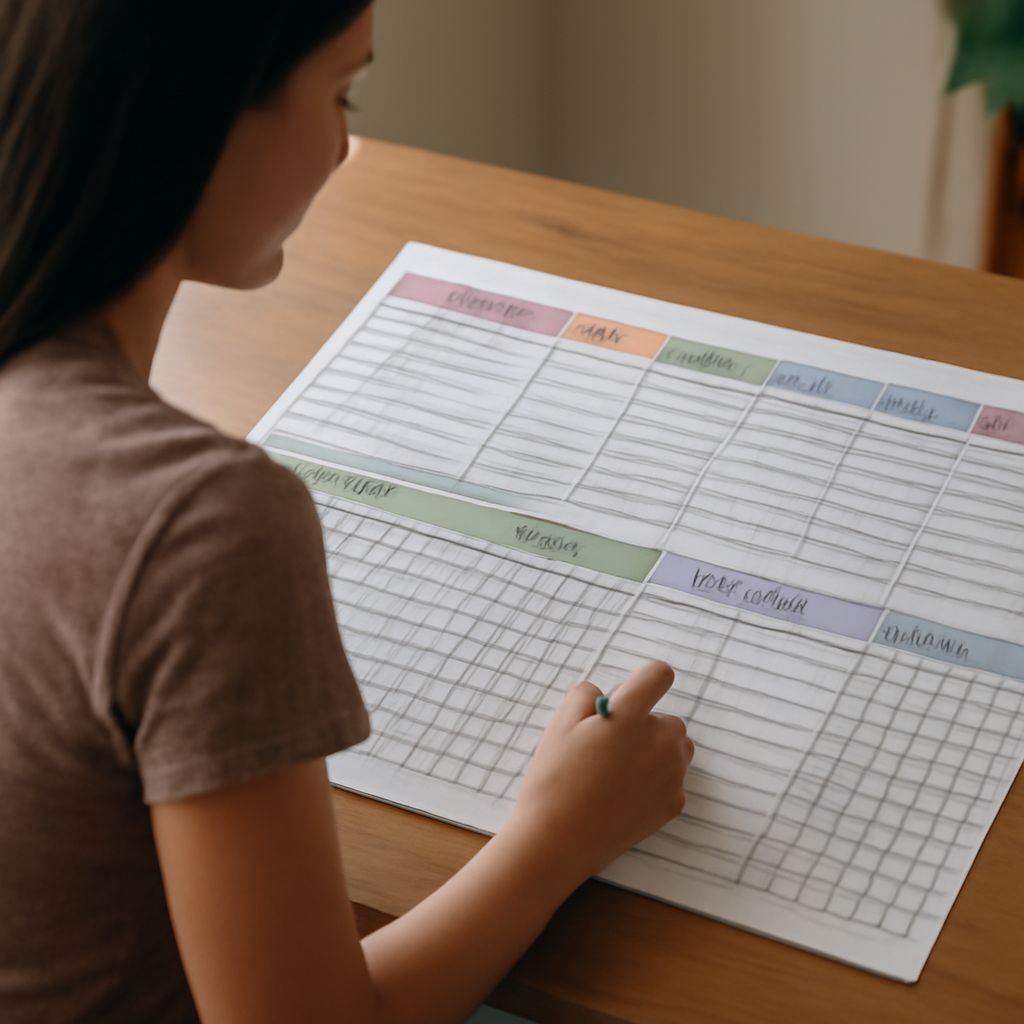
A chore app works best when every recurring task has one owner, a realistic due time, and a clear completion record. Choose the simplest app that supports assignments, recurrence, reminders, shared access, and history without creating more administration.
Start with 10 to 15 essential tasks rather than documenting every household activity. Add zones, set practical frequencies, assign work by effort, and review the schedule after one week. Optional points or rewards can improve participation, but they should not replace a fair workload.
What a useful chore app must do
Evaluate each app against the way your household actually works. The core features should include:
- Specific ownership: Assign every task to one person. “Clean the kitchen” is less useful than “Alex wipes counters and loads the dishwasher.” A shared task can remain unclaimed only when everyone genuinely shares responsibility.
- Flexible recurrence: Look for daily, weekly, monthly, and custom intervals. You may need tasks every three days, on the first Saturday, or after a specific event.
- Useful reminders: Choose reminders that arrive before the task becomes urgent. A reminder should be easy to snooze, reschedule, or mark complete without opening several screens.
- Completion history: A record shows what was finished, when it was done, and whether one person is carrying most of the work. History is useful for adjusting the schedule, not for monitoring every mistake.
- Shared access: Each household member should be able to view and update the same list from their own phone. Support for shared devices helps in kitchens, entrances, or utility rooms.
- Optional rewards: Points, badges, allowances, or shared treats can motivate children and make progress visible. Adults may prefer a simple completion count and a fair rotation.
Also check setup effort. If adding a task takes a minute and changing its frequency is difficult, the system will become outdated. A good chores app makes ordinary changes quick.
Choose features for your household
Choose features according to household size, task complexity, and how much coordination you need.
- For a simple routine: Use a list with recurring due dates, one owner, and basic reminders. Avoid points, badges, and detailed reports if they add unnecessary work.
- For a busy shared home: Prioritize multiple accounts, permission controls, shared calendars, and a visible “today” view. Roommates may also need private lists alongside shared chores.
- For uneven workloads: Look for estimated effort, task rotation, or reporting. A five-minute task should not count the same as a 45-minute bathroom clean when you are balancing responsibilities.
- For children: Use simple language, visual progress, recurring tasks, and optional rewards. The app should make ownership obvious without requiring a parent to manage every completion.
- For adults living alone: A fast chore tracker app with reminders and recurring templates is usually enough. Automatic scheduling can help prevent infrequent tasks, such as changing filters or cleaning appliances, from disappearing.
Concrete apps can help clarify the differences. Todoist is a useful comparison for flexible recurring tasks and shared projects. Tody and Sweepy are useful examples of room- or cleaning-focused systems. OurHome is an example to consider when family assignments and rewards matter. Treat these as feature models, not a ranking: select the interface your household will open and maintain.
Choose a chore app for adults, couples, or families
The best choice changes with the people sharing the work.
A chore app for adults should reduce coordination. Look for quick task entry, flexible recurrence, calendar or notification controls, and a clean history. Adults often need a place for both routine jobs and irregular maintenance, so custom intervals matter more than cartoon graphics or elaborate rewards.
For couples, prioritize equal visibility and transparent ownership. Both people should see the same schedule, claim or exchange a task when necessary, and review completed work without relying on verbal reminders. A rotation feature is helpful for jobs such as laundry, dishes, and taking out rubbish.
Families need clear profiles and age-appropriate tasks. Give children ownership of manageable jobs, such as putting away laundry or feeding a pet, while adults retain responsibility for safety-sensitive work. Points can support motivation, but define what earns them and whether missed tasks affect the total.
Shared homes and roommate arrangements need permission controls. Everyone should access common tasks, while personal reminders or private lists remain separate. If several people use one tablet, choose an app with a clear household view and an easy way to identify the current user.
Set up your chore chart app
Build the schedule in this order so the first week stays manageable.
- Create zones: Start with four to eight areas, such as kitchen, bathroom, bedrooms, living room, laundry, outdoor space, and pets. Use zones to find tasks quickly, not to create a detailed map of the home.
- List only essential tasks: Add work that prevents mess, protects equipment, or supports daily living. Begin with dishes, rubbish, laundry, toilet cleaning, vacuuming, food preparation cleanup, and pet care. Add seasonal tasks later.
- Set realistic frequencies: Mark dishes and kitchen surfaces daily if needed, bathrooms weekly, bedding every one or two weeks, and appliance cleaning monthly or quarterly. Adjust for household size, pets, allergies, and available time.
- Estimate effort: Label tasks as quick, medium, or heavy, or add approximate minutes. Spread heavy work across different people and days. Do not assign a 60-minute clean to someone who has only a 15-minute opening.
- Assign one owner: Match tasks to ability, schedule, and preference where possible. If work must rotate, set a weekly or monthly rotation rather than leaving the task for whoever notices it.
- Add reminders carefully: Set one primary reminder for each task. Use a second reminder only for time-sensitive work, such as putting rubbish out before collection. Too many alerts train people to ignore all alerts.
- Write a catch-up rule: Decide what happens when a task is missed. The owner can complete it the next available day, swap it with another task, or remove it if the task is no longer necessary. Do not automatically stack every missed task onto the next day.
- Test the first week: Keep the initial schedule small. A successful setup produces regular completions with little negotiation. If tasks remain overdue immediately, reduce the frequency, split the task, or change the owner.
Review your chore tracker app each week
Hold a 10-minute review after the first week, then repeat weekly or fortnightly. Open the completion history and look for patterns rather than isolated misses.
- Too many overdue tasks: Reduce the number of tasks, extend the interval, or move reminders to a more useful time.
- One person completes most work: Compare effort, not just task counts. Reassign heavy jobs or divide them into smaller responsibilities.
- Repeated snoozing: Change the due time, simplify the task, or remove the reminder if it is not meaningful.
- Unclear task descriptions: Add a short success standard, such as “clear counters and wipe spills,” so completion means the same thing to everyone.
- Rewards losing value: Keep points optional and revise the reward when it stops motivating. A visible record of balanced participation may work better for adults.
Keep tasks that are completed consistently, revise tasks that create friction, and delete anything the household does not need to track. The finished schedule should make ownership and next actions obvious in a few seconds.